Now loading...
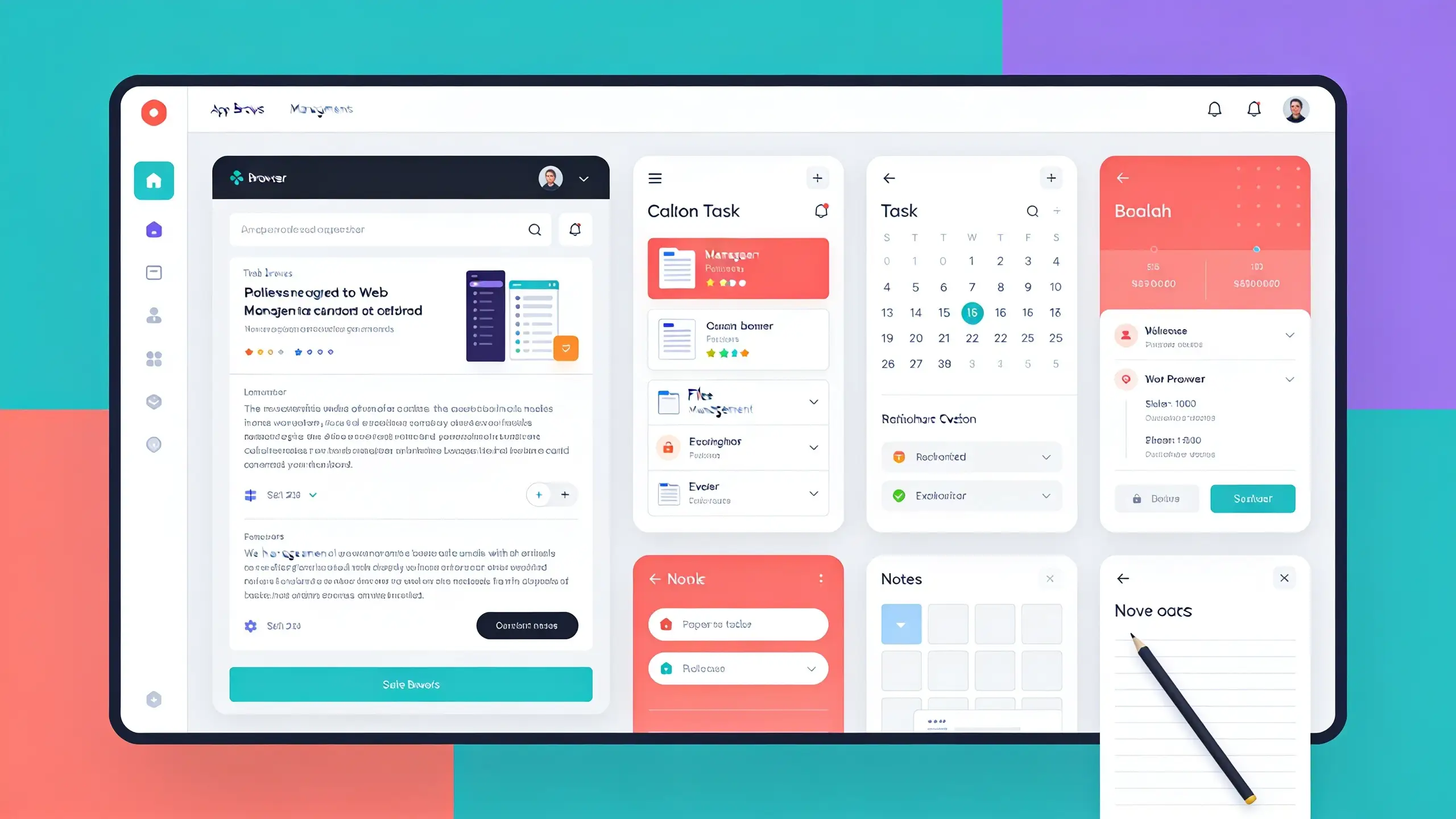
Claude has introduced a new feature within its Cowork desktop application that integrates a browser directly into the tool. This innovation allows users to delegate web-related tasks to Claude without needing to leave their current workflow. The in-app browser opens in a sidebar, enabling Claude to navigate websites, read content, fill out forms, and extract data from various portals, all while remaining within the confines of the app. This eliminates the need for users to share their personal browser data unless they choose to do so.
Previously, users could only enable web functions for Claude via the Claude in Chrome extension, which required access to the user’s browser. While this method remains applicable for ongoing tasks in an already open tab, many web-related tasks do not necessitate personal browser access, which is where the new built-in browser comes into play.
The feature is being rolled out this week for users subscribed to Pro, Max, and Team plans for the Claude desktop app, with enterprise administrators able to activate it for their organizations immediately.
This browser is distinct from the user’s personal browser, ensuring that Claude does not have visibility into information such as open tabs, bookmarks, or saved passwords. To use the browser effectively while remaining signed in to various sites, users can import their credentials gradually from Chrome, Edge, or Firefox on macOS and from Firefox on Windows and Linux. However, logging into banking, email, and single sign-on sites may require specific permissions if users opt to integrate them.
There is a notable difference in how Claude operates with the built-in browser versus the Claude in Chrome extension. The built-in option is designed to handle web tasks independently, such as compiling research or retrieving invoices, while the Chrome extension is for tasks involving already opened pages. Users can switch between the two options in the app settings.
While using the built-in browser provides convenience, it does come with inherent risks similar to other AI agents operating in a web environment, particularly concerning potential prompt injection vulnerabilities. Claude incorporates safeguards akin to those seen in the Claude in Chrome extension, which include checks to ensure compliance with user instructions. Though these security measures significantly mitigate risks, they cannot fully eliminate them, thus advising users to engage with trusted websites initially. For more detailed safe usage advice, users can refer to the safety guide.
The rollout of the built-in browser will continue in the upcoming week, becoming automatically available for users with Pro, Max, and Team plans on macOS, Windows, and in beta for Linux. For those on Enterprise plans, it’s available now and can be managed through organizational settings. The built-in browser operates within the desktop app, with the ability for Claude to assist remotely via web or mobile as long as the desktop application is activated.