Now loading...
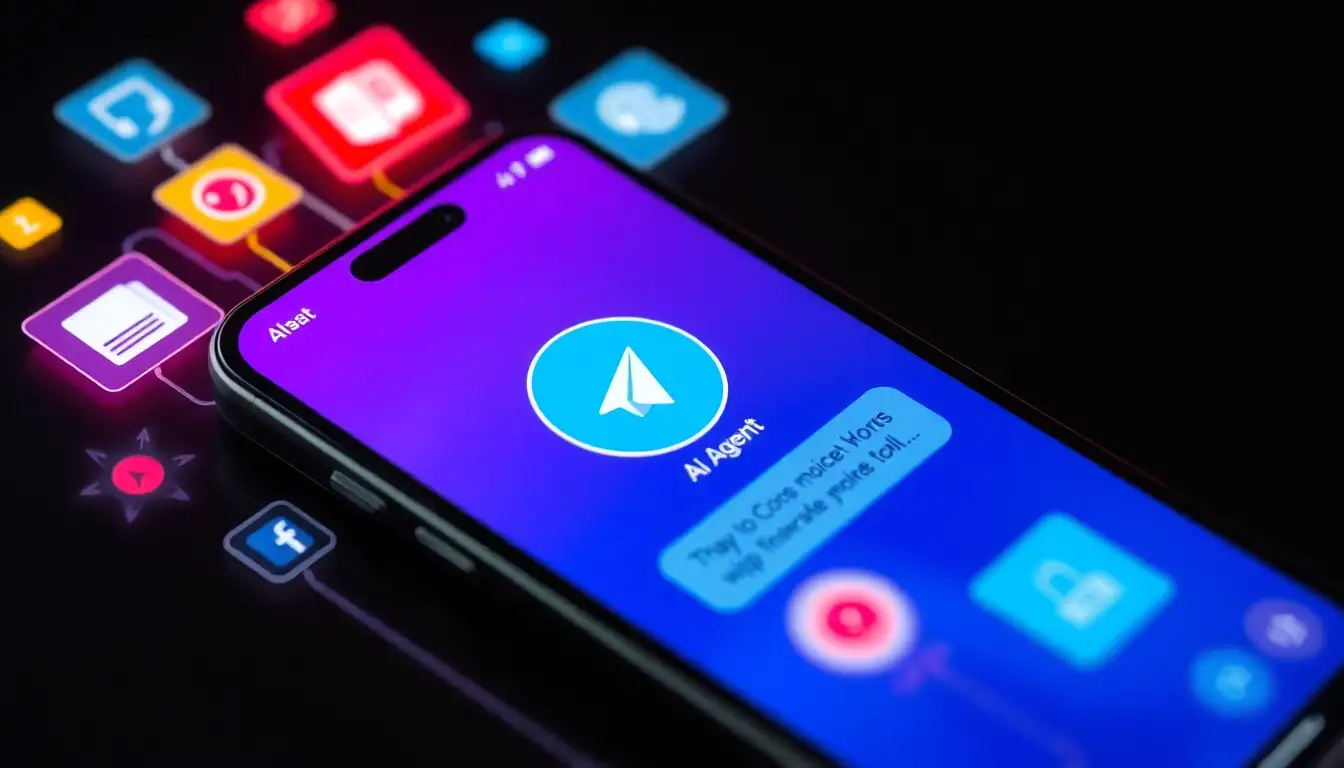
Manus, a developer of advanced AI tools, has launched Manus Agents, a feature that brings its powerful AI capabilities directly into popular messaging applications. The integration begins with Telegram, allowing users to interact with the full Manus AI agent through simple chats. This service is now accessible to everyone, regardless of subscription level, and the company plans to expand to additional platforms in the near future.
While the idea of AI assistants in chat environments has existed for years, many implementations demand technical expertise, constant upkeep and variable expenses that deter widespread adoption. Manus Agents aims to simplify this process, letting users concentrate on the AI’s output rather than the logistics of deployment.
To begin using Manus Agents, individuals simply need to navigate to the dedicated Agents section in their Manus workspace, link their account and initiate a conversation. This setup delivers the complete Manus experience, including sophisticated reasoning, integrated tools and the ability to handle complex, sequential operations, all within a messaging interface. Essential web-based functions are fully operational in this format, ensuring the AI remains just a message away in everyday communication channels.
Among the standout features is the ease of connection, which takes mere moments: users scan a QR code from their Manus dashboard to pair with Telegram, bypassing any need for programming commands, custom setups or authentication keys. Once linked, the AI can execute intricate tasks from chat prompts, such as conducting research, analyzing data or producing formatted reports and documents, with outcomes shared seamlessly in the same thread.
The system also supports multimedia inputs, enabling users to transmit voice notes, photographs or files for processing. The AI transcribes audio, interprets visual or textual content and generates responses like modifications or alternatives without requiring extra steps. Users can customize the agent’s reply style, opting for brevity, organization or a more natural tone, and select from two performance modes: Manus 1.6 Max for in-depth analysis and innovation, or Manus 1.6 Lite for rapid handling of routine queries. Each mode completes tasks autonomously, balancing thoroughness with efficiency based on user needs.
Practical applications highlight the tool’s versatility. For instance, professionals can dictate a voice command to automate weekly reviews of emails, compiling insights on meetings and action items that arrive as timely chat updates. Creatives might upload a selfie and request edited versions suited to various profiles, receiving polished options instantly. Marketers could share product visuals along with instructions, prompting the AI to draft video concepts complete with scripting and layout suggestions, all compiled in the conversation.
Setting up Manus Agents involves simpler steps. First, access the Agents area in the Manus platform. Then, select the connect option. Next, use a mobile device to scan the displayed QR code or follow the provided link to launch the chat. Finally, begin interacting, as the AI is immediately operational. This approach eliminates the need for advanced hardware, software tweaks or remote hosting.
The rollout signals a larger evolution in personal AI accessibility, positioning the agent as an omnipresent companion rather than a siloed application. On privacy, Manus confirms the AI only processes messages directed to it personally, with no visibility into other chats, groups or contacts. It handles chained operations using its entire suite of functions, from information gathering to output creation, in one seamless exchange. Voice interactions are fully supported for hands-free management. While Telegram leads the way, further app integrations are underway. Existing Manus setups, including projects and custom connections, transfer directly to the chat environment.